



Maisonroll App: Mobile Casino Gaming
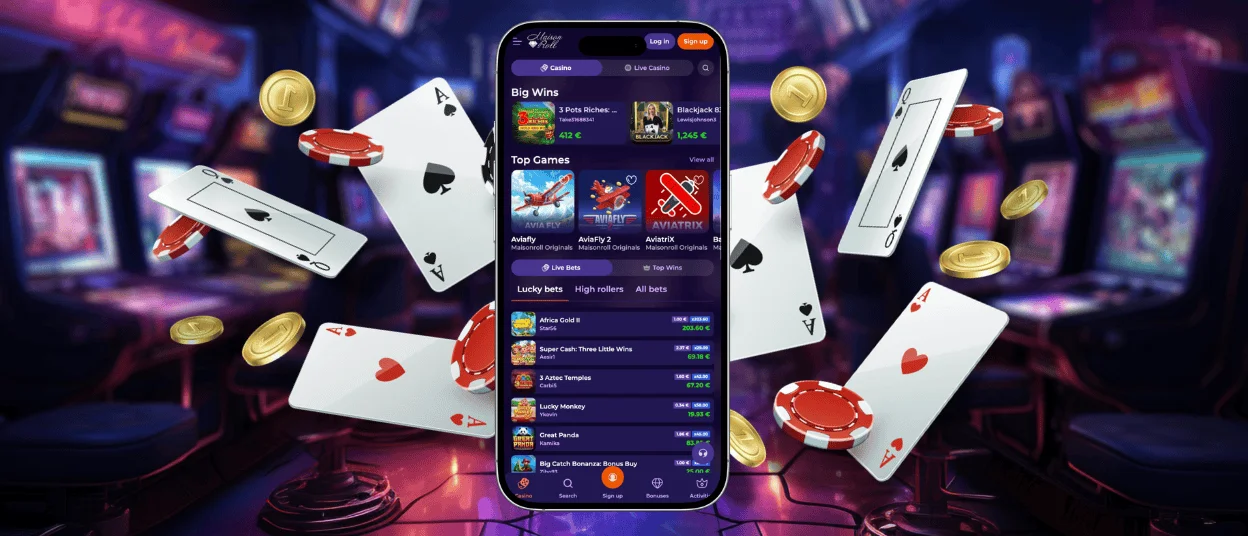
There’s no denying that some casino games, like online slots and instant wins, are ideal for smaller screens. We developed the Maisonroll app so our players can enjoy their favorite titles from the device they prefer. You can install the application from our official website and play any of the 6,000 games from our collection whenever you want.



Maisonroll Mobile Platform
The Maisonroll team created a progressive web app (PWA) that is compatible with Windows, macOS, Android and iOS. Players don’t need to download it from the app stores and the installation takes minutes.
Since the Maisonroll mobile casino is the same as the web platform, its functionality and design are identical. Some elements may slightly change to fit the size of a mobile screen. Here’s what will make your gaming experience on a phone different from playing on a computer.
| Feature | Details |
| Access | Players can launch Maison Roll Casino with a tap on its icon and don’t need to open it from the browser. |
| Security | The security of the Maisonroll app is as good as the website, but you can also add extra protection with Touch ID and Face ID. |
| Interface | Our application is optimized for various screen types and includes touch controls. |
| Push notifications | Players can allow push notifications to get the latest updates and news from Maisonroll Casino. |
Our PWA is small, so it will not take up much space on your phone. Playing from mobile is great for short rounds. So if you are going to play a long session at our live tables, make sure your battery is fully charged.
Maisonroll Casino Mobile App for Android
If you play on Android devices, you can be sure your gaming experience won’t differ from that of iPhone users. The Maisonroll app runs smoothly on smartphones and tablets, so players can browse our game library and try out new titles without lags. You can follow these steps to install our application on your device:
- Launch the Maison Roll Casino website in your smartphone’s browser.
- Find and open the three-dot menu in the top-right corner.
- Scroll until you find the “Add to home screen” line.
- Click “Add” to create a shortcut icon.
You don’t have to make this shortcut if you don’t want extra icons on your screen and just keep playing in your browser instead. Android players can also use Google Pay to make deposits and withdrawals.
Advantages of Maisonroll PWA
Android users don’t need to download a separate APK file for Maison Roll Casino. A PWA works like a native app and can be installed right from your browser. It’s also lightweight (unlike APK files), so you can use the extra space for other things and lower the chance of getting hacked software on your phone.
Maisonroll PWA has a caching function. That allows players to launch the app even with an unstable internet connection. It will be difficult to play games, but you can still manage your account settings and check the log history.
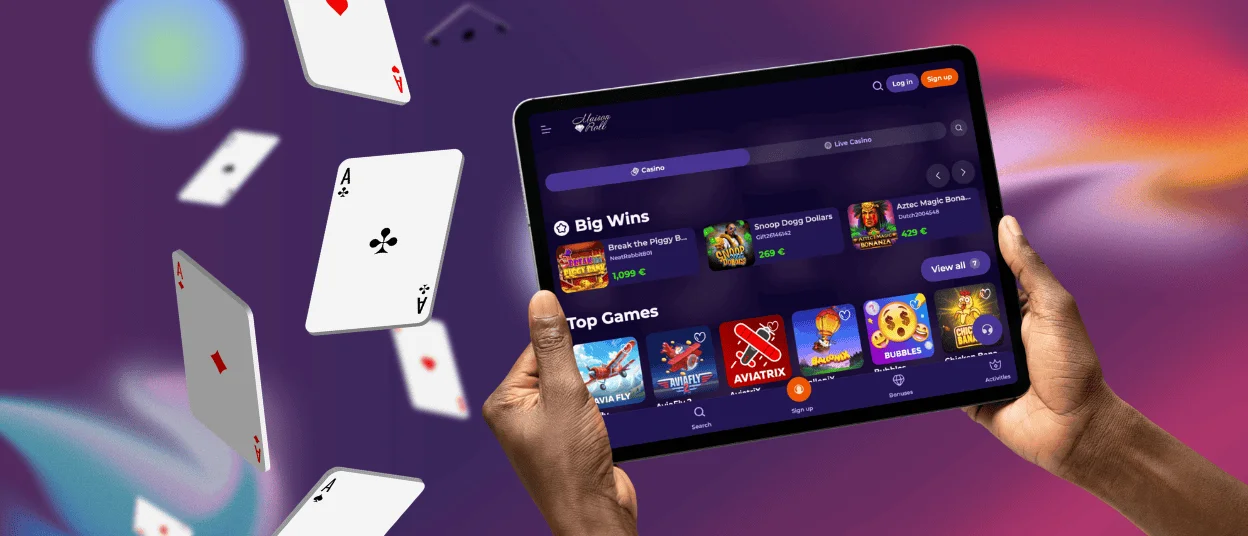
Maisonroll Casino Mobile App for iOS
Our players can also install the Maison Roll app on their iPhone or iPad. Your one account is enough to play on different devices, no matter what operating system they use. As with Android, you can just continue to launch our mobile casino from the browser or create a shortcut on your home screen.
If you opt for the Maisonroll app, you will just need to load our website from Safari. Here you will see the Share button at the bottom of the page. You can tap it and scroll down to add the icon to your home screen. Players can also find our Casino App banner on the website and download the application from there. If you have any difficulties with the Maisonroll Casino, you can contact our support team via live chat.
Windows & macOS App Downloads
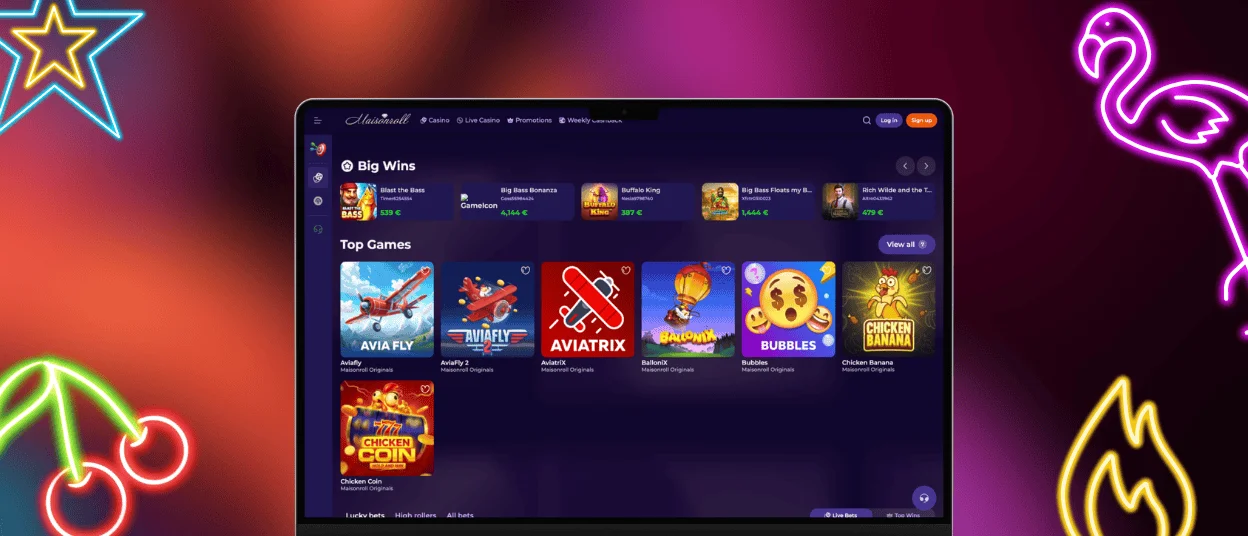
Not everyone likes to play from mobile, especially when it comes to live casino games. That’s why we don’t limit you to a concrete device. Players can still enjoy their favorite online slots and other titles from desktops. The Maison Roll Casino works perfectly on Windows and macOS. You can launch it from any of the modern browsers, like Opera, Chrome, Mozilla Firefox and Microsoft Edge.
One of the main advantages of PWAs is that you can also install them on your computer. This way you won’t waste time launching the browser first. Creating a shortcut is even simpler than on Android or iPhone. To do so, just load the Maisonroll website on your browser and tap the download icon in the search bar. It looks like a computer with a downward-pointing arrow so you won’t miss it.
FAQ
Does uninstalling the app affect my casino account or balance?
It doesn’t affect any aspect of your account at all. When you delete the app from your device, you don’t erase your profile information on our servers. So, players can rest assured their balance and other settings are safe.
Can I upload KYC documents through the app?
Yes, it will even be more convenient to complete the verification process on your mobile. This way you don’t need to upload the photos or screenshots on your computer first.
Does the app update automatically or manually?
The Maisonroll app updates automatically in the background every time you open it. There’s no need to download separate files and do it manually.


